Type it, paste it, share it from another app, or select it anywhere and pick "Read aloud" from the selection
menu. Read this text! reads it aloud in the language and voice your device speaks, for any length of text.
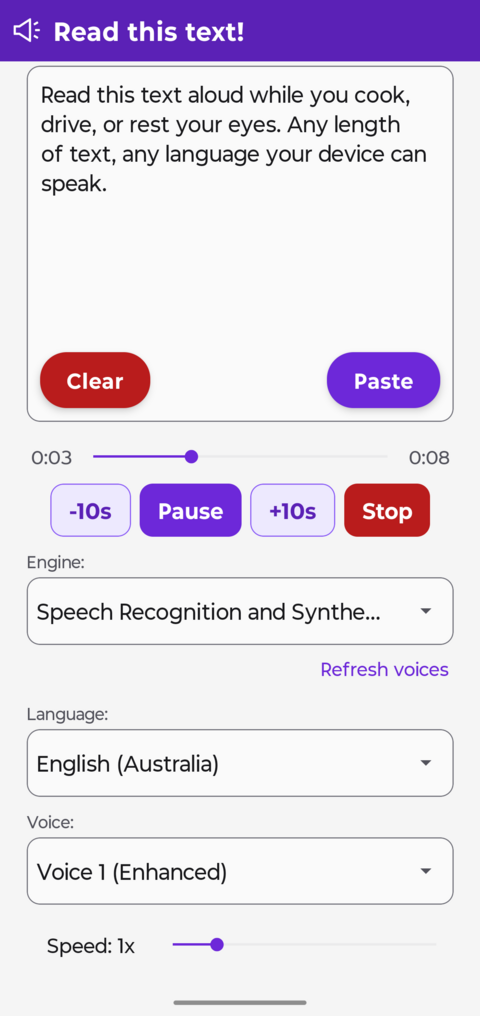
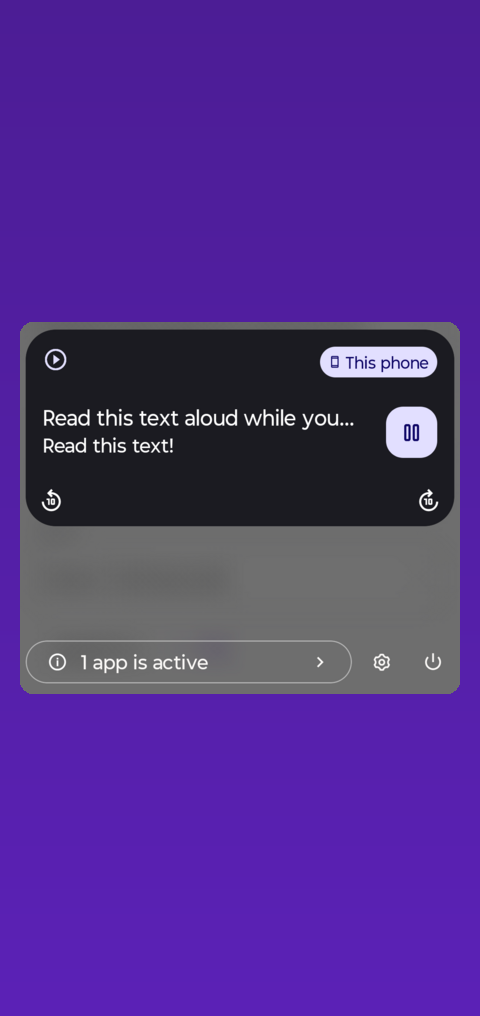
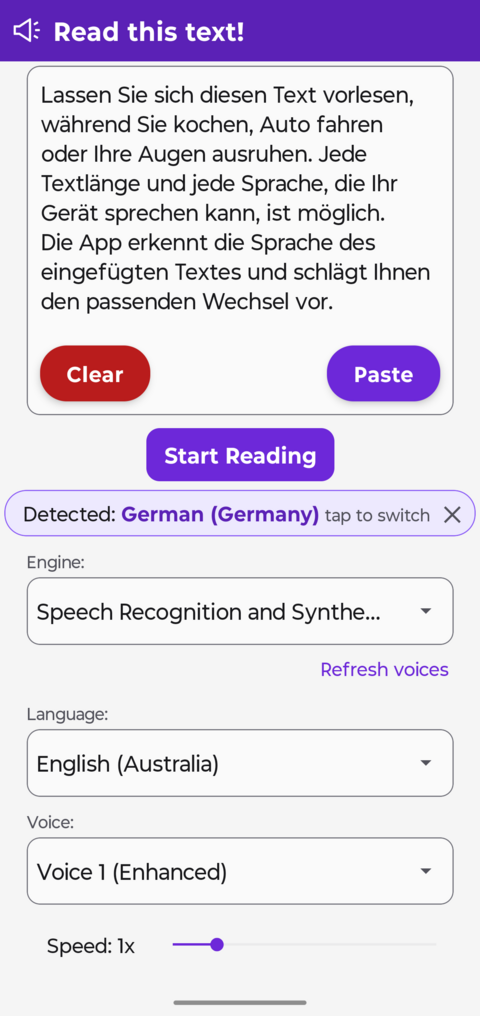
Seek bar, 10 second jumps, play, pause and stopMedia notification and lock screen controlsEngine, language and voice pickers, with language detection
Features
Reads text of any length, with a real timeline you can move around in
Draggable seek bar with elapsed and total time, and 10 second jumps
Play, pause and 10 second jumps in the notification and on the lock screen, so playback keeps going while
you use other apps
Very long text is split into parts you can jump between
Resume where you left off, per text, voice, language and engine
Choose the speech engine installed on your phone, not just the system default, so a device whose default
engine offers a single language is no longer a limit
Pick the language and a specific voice, sourced from the engine you selected
Automatic language detection, offered as a suggestion you can accept or dismiss, never a silent switch
Adjustable speaking speed
Get text in by typing, pasting, sharing from any app, selecting text in any app, or a home screen shortcut
that reads your clipboard
No account and no ads
Download the App
Read this text! is an Android app. It needs Android 7.0 or newer.
Reading happens on your device with the speech engine you choose, so on-device voices work offline. Some
engines also offer optional higher quality voices that stream from their own servers.